GTO Wizard PLO Solver Review 2026: The Complete Guide to Studying Pot Limit Omaha
Pot Limit Omaha has always been one of the hardest major poker formats to study well. Four-card starting hands create an enormous number of combinations, postflop trees explode quickly, and traditional PLO solving has historically required specialist software, large amounts of memory and plenty of patience.
GTO Wizard is trying to change that workflow. Its PLO platform combines pre-solved ranges, fast postflop analysis, a dedicated PLO Trainer, custom solving, nodelocking, player profiles, heads-up tools and tournament postflop ICM inside a browser-based interface.
This review focuses on how those tools actually fit into a practical study routine — not just what buttons exist.

GTO Wizard PLO Solver Review: What We’ll Cover
This guide follows the actual study workflow: start with ranges, understand structure, move postflop, model mistakes, then train the pattern.
1. What Is the GTO Wizard PLO Solver?
The GTO Wizard PLO solver is a browser-based study platform built primarily around four-card Pot Limit Omaha. It combines a pre-solved strategy library with interactive postflop analysis and, on supported plans, custom solving tools that let you change assumptions rather than being locked into one fixed tree.
The key difference from a chart library is that you can follow the hand beyond preflop. Start with the opening and defending ranges, inspect the flop strategy, follow the tree through turn and river, then practise the same spot in the Trainer.
GTO Wizard does not just tell you which hands belong in a range. It lets you investigate what that range does after the flop and why different hand classes choose different actions.
Core PLO tools
- Preflop ranges across multiple stack depths and formats
- Flop, turn and river strategy analysis
- PLO-specific range visualisation and hand filtering
- Range comparison tools
- PLO Trainer with EV-loss feedback
- Custom postflop solving on supported plans
- Nodelocking and player profiles
- Heads-up PLO solving
- Postflop tournament ICM solving

2. Why Fast PLO Solving Is Such a Big Deal
Hold'em has 1,326 raw two-card combinations. Four-card PLO has more than 270,000 starting combinations before we even consider positions, stack depth, rake, bet sizes and board runouts.
That is why PLO has historically been expensive to solve. Large game trees need significant processing power and memory, and traditional local workflows can involve long solve times or simplified trees.
GTO Wizard says its PLO technology combines conventional solving with predictive neural networks to make street-by-street analysis much faster. River spots are solved directly rather than estimated by the neural model.
Speed changes how you study. Instead of building a tree and waiting, you can test an idea, change a sizing or range, inspect the result and continue immediately.
For the technical explanation, see GTO Wizard’s own How GTO Wizard Solved PLO.
3. The PLO Preflop Matrix Is One of the Most Useful Features
A standard Hold'em 13×13 grid cannot represent hundreds of thousands of Omaha combinations cleanly. GTO Wizard therefore uses a PLO-specific matrix that groups hands into broader families and lets you drill deeper into the exact structure.
A cell such as T9 represents a broad T9xx family. From there, you can inspect how suitedness, side-card quality and connectivity move individual hands between fold, call and raise.
Instead of asking “does this exact T9xx hand raise?”, ask “which T9xx structures cross the raising threshold, and what characteristic makes the difference?”

4. Use Hand Filters to Learn Why One PLO Hand Is Better Than Another
PLO hand strength is structural. A hand's value depends on far more than the highest two cards. Double-suitedness, nut-suit potential, connected side cards, pairs, blockers and redraws all matter.
That makes filtering one of the most important parts of the interface. You can narrow a broad family and see which characteristics consistently push the solver toward more aggressive or more passive actions.
Suitedness
Compare rainbow, single-suited and double-suited versions of the same broad hand family.
Connectivity
See how coordinated side cards increase playability and change raise/call thresholds.
Nut Potential
Identify where nut suits and high-card structure materially change strategy.
Danglers
See how one disconnected side card can pull an otherwise attractive hand down the range.
If you are still building these fundamentals, read PLO Starting Hands: What Actually Makes a Good Omaha Hand?.

5. Compare Mode: Study the Difference Between Positions
Preflop study becomes easier when positions are compared rather than memorised independently. If UTG opens, Compare Mode can show how CO, BTN, SB and BB respond to that same action.
Pick one hand family and watch the threshold change as position changes. That quickly reveals which structures are robust enough to continue early and which only enter the range once the positional requirements loosen.
A practical way to use Compare Mode
- Pick one previous action such as UTG open.
- Select one hand family such as JJxx.
- Compare CO, BTN, SB and BB.
- Find the weakest versions that continue in each seat.
- Write down one positional rule rather than memorising every combo.
6. Postflop Study Mode Is Where the Solver Becomes Much More Valuable
Preflop ranges tell you which hands arrive at the flop. They do not explain how those ranges interact once the board is dealt.
Imagine BTN opens, BB calls and the flop is K♠ 8♥ 3♣. Your exact hand is only part of the question. You also need to know which player has the range advantage, where the nutted hands live, which draws drive betting and which medium-strength hands prefer checking.
Study Mode lets you inspect the whole strategy first and then zoom into an individual combination.
Look at the range strategy before your exact hand. The range tells you the pattern; the individual hand tells you where you sit inside it.

7. Breakdown Mode Turns Solver Output Into Human Strategy
Raw frequencies can tell you how often a range bets, but they do not automatically tell you why. Breakdown Mode is useful because it groups the range into meaningful hand classes and equity buckets.
You can inspect categories such as made hands, sets, two pair, draws and other subgroups, then see how each category distributes between bet, check, raise, call and fold.
| Question | Weak Study Method | Better Study Method |
|---|---|---|
| How often does this flop bet? | Memorise 42% | Find which hand classes drive the 42% betting range. |
| Why does this hand check? | Memorise the exact combo | Identify whether medium showdown value or weak redraws define the checking class. |
| Why does this draw raise? | Remember one output | Compare strong and weak draws to find the threshold. |

8. Custom PLO Solving: Recreate the Hand You Actually Played
Pre-solved libraries are useful until your real hand differs from the library. Maybe the stack is unusual, villain used a strange sizing, or the ranges are wider than the standard solution.
Custom solving lets you adjust the assumptions and build a tree that more closely resembles the actual hand.
A practical hand-review workflow
- Mark a difficult hand while playing.
- Confirm the likely preflop ranges.
- Recreate the pot and effective stack.
- Add the important bet sizes.
- Solve the node.
- Inspect the whole strategy first.
- Find your exact hand.
- Write down one transferable lesson.

9. Nodelocking: Use GTO to Study Exploitative Poker
Equilibrium assumes both players respond optimally. Real PLO players do not. Some 3-bet too little, call too widely, over-c-bet, under-bluff rivers or over-fold when raised.
Nodelocking lets you deliberately modify an opponent's strategy and see how the optimal response changes.
Nodelocking turns a theoretical baseline into an exploit calculator. Change the opponent's mistake, then see how aggressively you should deviate in response.
For the broader theory, read GTO vs Exploitative Poker.

10. Player Profiles Take Exploit Study Further
A one-off nodelock changes a particular node. Player Profiles are useful when you want to represent a broader behavioural tendency and see how that tendency influences the tree.
This creates a powerful loop: identify a population tendency, model it, calculate the best response, then practise against that profile.
Nit
Too selective preflop and often over-folds to pressure.
Loose Passive
Calls too many hands and may under-raise strong ranges.
Aggressive Reg
Creates more pressure through wider raises and barrels.
Custom Pool Profile
Model the tendencies you actually see in your own games.

11. Heads-Up PLO Is Now a Serious Study Option
Heads-up PLO deserves its own tools because ranges are extremely wide and positional battles repeat constantly. Small leaks can therefore recur far more frequently than in a full-ring environment.
GTO Wizard supports custom heads-up work with variables such as stack depth, rake, antes, raise sizes, limping, nodelocks and player tendencies.
When almost every hand is playable and the same positional battle repeats constantly, small changes to preflop assumptions can reshape the entire postflop tree.

12. Tournament PLO Players Get Postflop ICM Solving
Tournament chips do not always have linear cash value. Near bubbles, pay jumps and final tables, losing chips can cost more tournament equity than the same number of chips gained.
GTO Wizard supports custom postflop PLO ICM work where you can configure tournament details such as remaining stacks, payouts and bounty structures.
Postflop ICM solving does not mean every possible PLO tournament preflop ICM tree is already available. Check the current solution library for the exact format you play.

13. The PLO Trainer May Be More Valuable Than Passive Solver Browsing
Solver browsing feels productive because the answer is always visible. Training is harder because you must retrieve the strategy without seeing it first.
The PLO Trainer lets you play decisions against solver strategy and then review your action, the recommended frequencies and the EV cost of your choice.
| Trainer Feedback | Why It Matters |
|---|---|
| Recommended action | Shows the baseline decision. |
| Action frequencies | Shows whether the spot is pure or mixed. |
| EV loss | Separates tiny inaccuracies from expensive mistakes. |
| Range strategy | Lets you understand the surrounding hand classes. |
| Session history | Helps identify repeated weaknesses rather than isolated mistakes. |
I also have a video walkthrough covering the PLO Trainer and Study Mode: How to Use GTO Wizard for PLO — PLO Trainer & Study Mode.

14. How I Would Use GTO Wizard PLO for a 30-Minute Study Session
| Time | Task | Goal |
|---|---|---|
| 0–5 min | Review one preflop spot | Refresh one common range, not ten unrelated charts. |
| 5–10 min | Find one threshold | Identify what changes a hand family from fold to call or raise. |
| 10–20 min | Study one board family | Inspect the range first, then Breakdown Mode. |
| 20–28 min | Train the same spot | Test whether you can retrieve the strategy without looking. |
| 28–30 min | Write one rule | Finish with one sentence you can actually remember in game. |
One reusable heuristic is worth more than fifty exact frequencies you forget tomorrow.
For a deeper framework, see How to Study PLO With Solvers Without Memorising Everything.

Use GTO Wizard to Find the Pattern — Then Train the Pattern
The most productive workflow is not endless solver browsing. Pick one common configuration, inspect the range, identify the structural threshold, test the idea across similar boards, then use the Trainer until the pattern becomes automatic.
15. Where GTOCharts Fits Alongside GTO Wizard
Preflop charts and full solvers solve different problems. If your question is simply “what does BTN open at this stack depth?”, a dedicated chart is faster. If your question is “why does this part of the BTN range behave differently on this flop?”, the solver is the right tool.
| Tool | Best Use | Example Question |
|---|---|---|
| GTOCharts | Fast preflop reference and range learning | What is my BTN opening range at this stack depth? |
| GTO Wizard | Deep range analysis and postflop study | How does that BTN range behave on K-high flops? |
| PLO Trainer | Recall and repetition | Can I execute the strategy without seeing the matrix? |
My preferred workflow is GTOCharts for quick preflop structure → GTO Wizard for deeper analysis → Trainer for repetition → real play → review → repeat.

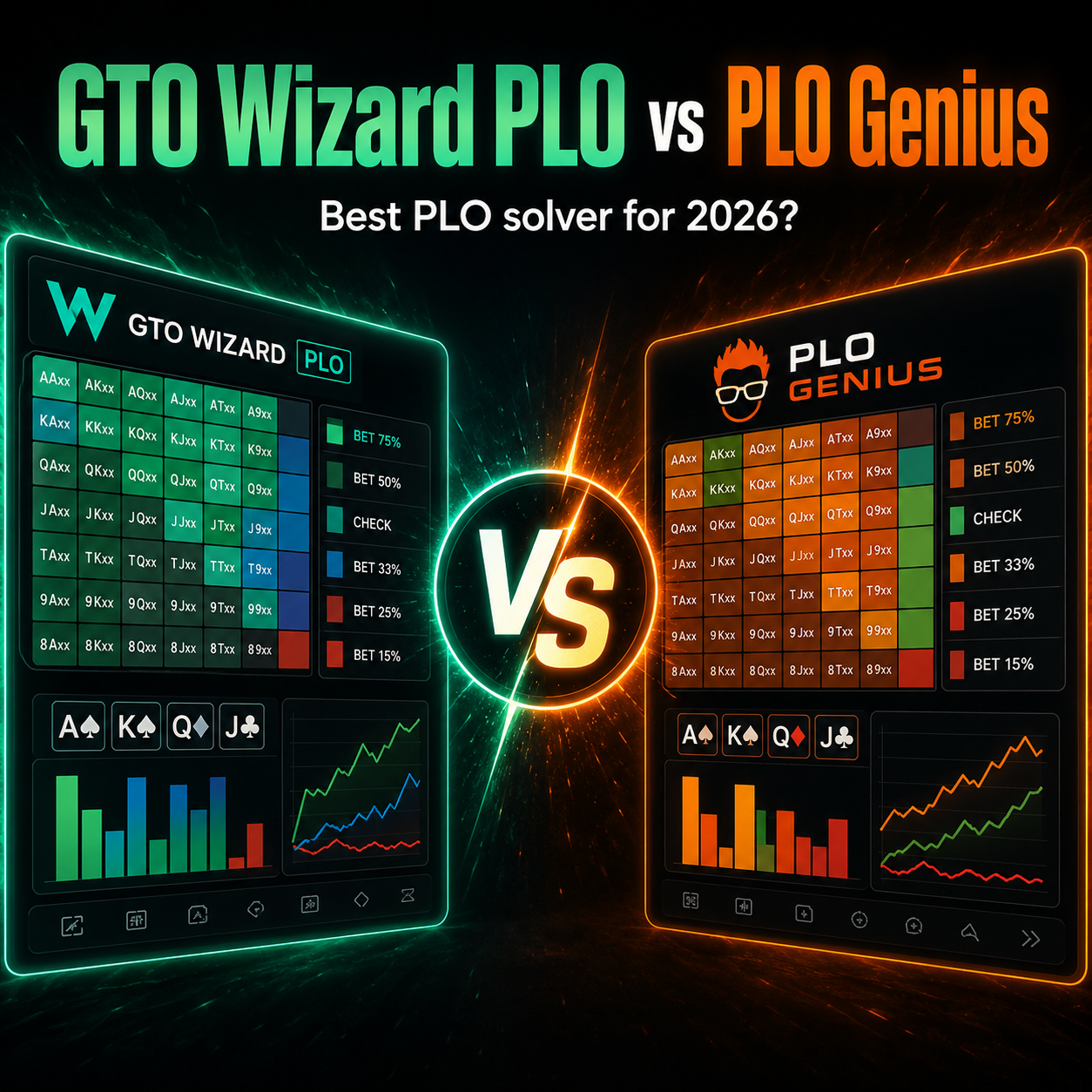
16. GTO Wizard PLO vs PLO Genius
There is no universal winner because the platforms have different strengths. GTO Wizard is particularly attractive to PLO4 players who value fast analysis, custom solving, integrated Trainer work and a polished browser interface.
PLO Genius remains highly relevant for dedicated Omaha specialists, especially players whose study extends into PLO5 and PLO6.
| If This Sounds Like You... | Start With |
|---|---|
| Mainly PLO4, want fast custom analysis and Trainer workflow | GTO Wizard |
| Dedicated Omaha specialist studying multiple card-count variants | PLO Genius |
| Mostly need quick preflop reference | GTOCharts |
Read the full GTO Wizard PLO vs PLO Genius comparison or my PLO Genius Review.

17. Current Limitations and Things I Would Improve
It is still primarily a PLO4 product
If your main game is PLO5 or PLO6, specialist Omaha products currently offer broader coverage. Choose based on the game you actually play today, not only the development roadmap.
Advanced features require higher plans
Custom solving, advanced node work and the deepest analysis are not necessary for every player. If all you need is quick preflop reference, a full high-tier solver subscription may be overkill.
The amount of data can overwhelm beginners
Ranges, EVs, equities, categories, frequencies and multiple actions can look impressive while teaching very little. Newer PLO players should build starting-hand structure and common preflop ranges before diving deeply into mixed postflop trees.
A fast solver can still create bad study habits
Speed makes it easier to inspect random boards all day. That is not the same as improvement. The value comes from asking repeated, structured questions and converting the results into usable heuristics.
18. Free vs Paid: Do You Need to Subscribe?
GTO Wizard offers limited free PLO access, which is useful for exploring the workflow before paying. Paid plans unlock progressively more of the pre-solved library, training and custom-solving functionality.
Because pricing, limits and plan names can change, I recommend checking the current GTO Wizard page rather than relying on an old screenshot.
Try Free First
Use the free access to decide whether the interface and Trainer fit your learning style.
Upgrade for Depth
Paid tiers make more sense once you know which advanced tools you will actually use regularly.

19. Final Verdict: Is GTO Wizard the Best PLO Solver?
For four-card PLO, GTO Wizard has become one of the strongest all-in-one study environments available. The biggest advantage is not any single feature. It is the way the pieces connect.
1. Find the range
Start from a realistic preflop baseline.
2. Study the node
Inspect the full range before your individual combo.
3. Find the pattern
Use filters and Breakdown Mode to identify structural thresholds.
4. Test the exploit
Use nodelocking or profiles when real opponents deviate.
5. Train it
Move from recognition to recall with repeated decisions.
6. Review again
Use real hands to decide what deserves the next study session.
Start with the free version and use one game you actually play. Spend a week studying and training the same common spots. If the workflow changes how you review hands and helps you create repeatable rules, upgrading makes sense.
Try GTO Wizard PLO
If you play PLO4 seriously and want fast range analysis, custom postflop work, nodelocking and integrated training, GTO Wizard is one of the first platforms I would test.
20. GTO Wizard PLO Solver FAQ
Does GTO Wizard have a PLO solver?
Yes. GTO Wizard has a dedicated four-card PLO study platform covering preflop and postflop strategy, Trainer work and advanced custom-solving features.
Does GTO Wizard support PLO5?
The current GTO Wizard PLO ecosystem is primarily focused on PLO4. If PLO5 or PLO6 is your main game, compare specialist Omaha platforms such as PLO Genius before subscribing.
Can you nodelock PLO in GTO Wizard?
Yes. Nodelocking allows you to change an opponent's strategy away from equilibrium and inspect how the optimal response changes.
Does GTO Wizard have a PLO Trainer?
Yes. The PLO Trainer lets you practise decisions against solver strategy and review action frequencies, EV loss and broader range strategy.
Can GTO Wizard study tournament PLO?
Yes. GTO Wizard includes tournament PLO solutions and supports custom postflop ICM work. Check the current library for the exact stack depth and tournament structure you need.
Is GTO Wizard better than PLO Genius?
It depends on your game. GTO Wizard is especially strong for PLO4 players who want fast analysis, custom solving and integrated training. PLO Genius is a specialist Omaha platform with broader multi-variant coverage.
Is GTO Wizard PLO good for beginners?
Beginners can use it, but complete newcomers may improve faster by learning PLO starting-hand structure and core preflop ranges first. Solver study becomes much easier once those fundamentals are comfortable.
What is the best way to study PLO with GTO Wizard?
Pick one common preflop spot, study one related board family, identify a simple structural pattern, then train the same scenario. Avoid trying to memorise exact frequencies across thousands of combinations.