Study Ranges. Play Better.
Solver-based preflop charts for NLH, PLO and tournaments. Browse free poker ranges immediately, preview the complete member library and study important spots by position, stack depth and format.
Preflop Range Preview
Compare hands, actions and formats in a familiar solver-style matrix.
Example Frequencies
Illustrative range mix
Quick Access
What Is GTOCharts — and Where Should You Start?
GTOCharts is a practical poker study site built around preflop ranges, solver-based strategy, poker software comparisons, exploitative guides and real-world game improvement. Whether you play NL Hold’em, tournaments, Spin & Go, heads-up or PLO, the goal is simple: help you spend less time guessing and more time studying the spots that actually matter.
Study Preflop Ranges
Browse solver-based opening, calling, 3-bet, 4-bet and push/fold ranges across cash, tournaments, heads-up and PLO.
Browse Free GTO Charts →Find the Right Study Tool
Compare GTO solvers, trainers, HUDs and poker software so you can choose the tool that best matches your game and study style.
Use the GTO Solver Finder →Learn How to Apply It
Use practical strategy guides to understand GTO concepts, population exploits, player types and common high-EV situations.
Explore Poker Strategy →Not Sure Where to Start?
Pick the route that matches what you are trying to improve right now.
GTO Poker Charts by Format
Study solver-based preflop poker charts by format, stack depth and situation. Start with the game you actually play, then expand into related 3-bet, defence and short-stack ranges as your fundamentals improve.
| Format | What You Can Study |
|---|---|
| NL Hold'em Cash | Opening, calling, 3-bet, 4-bet and blind-defence ranges by position |
| MTT | Stack-depth adjusted tournament ranges from deep play through short-stack decisions |
| Spin & Go | Hyper-turbo opening, defending and push/fold strategy |
| Heads-Up NLH | Heads-up opening, limp, defence and 3-bet ranges |
| PLO | PLO preflop ranges, specialist study tools and exploit strategy |
What Are GTO Poker Charts?
GTO poker charts are solver-based preflop strategy references showing which hands to raise, call, 3-bet, 4-bet, jam or fold in specific situations. They give you a strong baseline before opponent-specific adjustments are added.
How Should You Use Them?
Start with the highest-frequency spots in your game. Review your opening ranges first, then blind defence and 3-bet situations. After each session, compare difficult hands against the baseline and turn repeated mistakes into your next study topic.
Choose the right tool for your game and study goals.
Compare the solver, training and tracking platforms we use and recommend. Each tool solves a different problem, so start with the option that best matches how you play and study.
GTO Wizard
Best all-in-one platform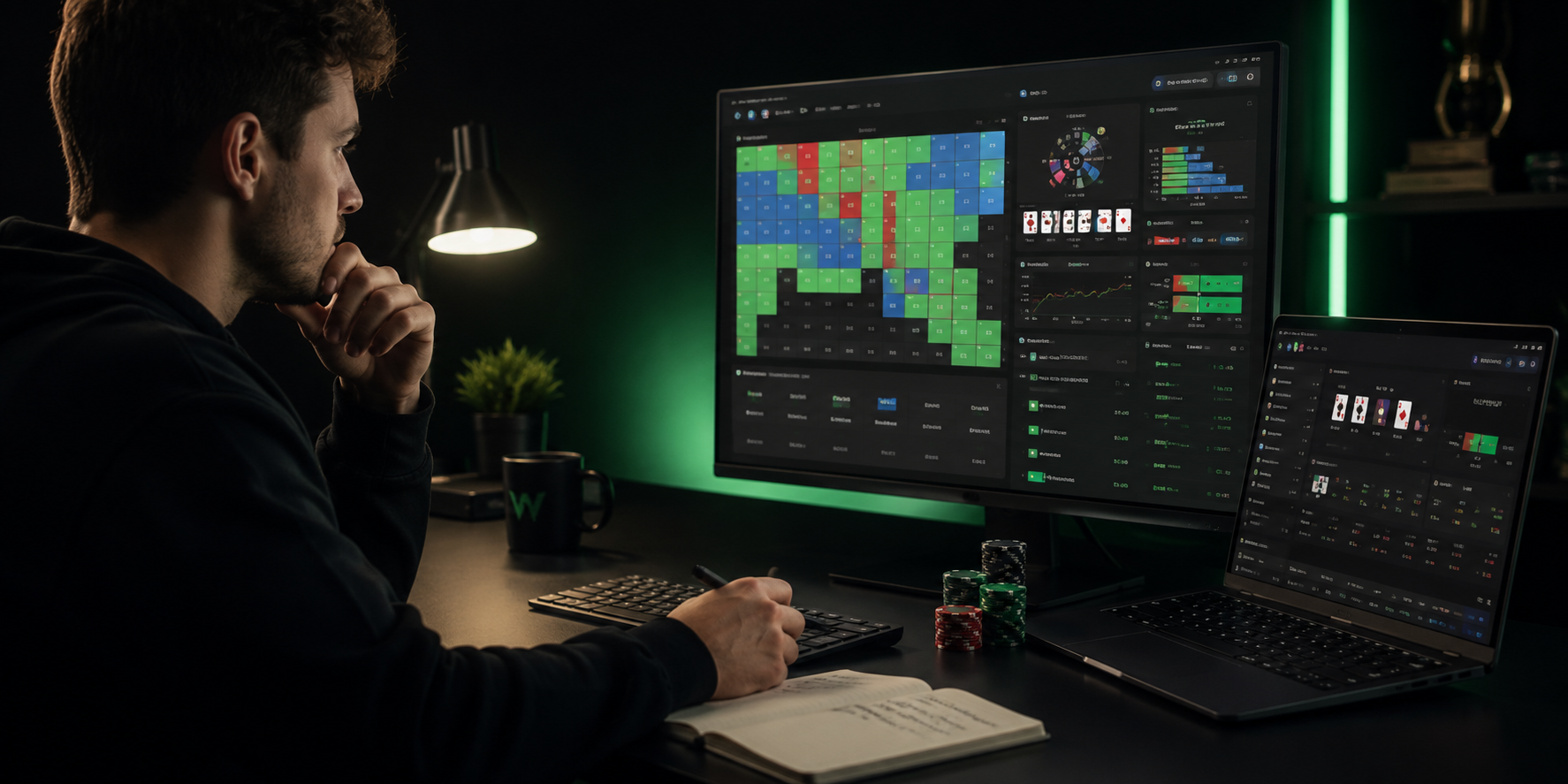
Best for players who want one polished platform for solution browsing, drills and hand analysis.
- Study preflop and postflop solutions
- Analyse uploaded hands and sessions
- Practise common spots with built-in drills
- Cover cash, MTTs, Spins and heads-up
PLO Genius
PLO4, PLO5 and PLO6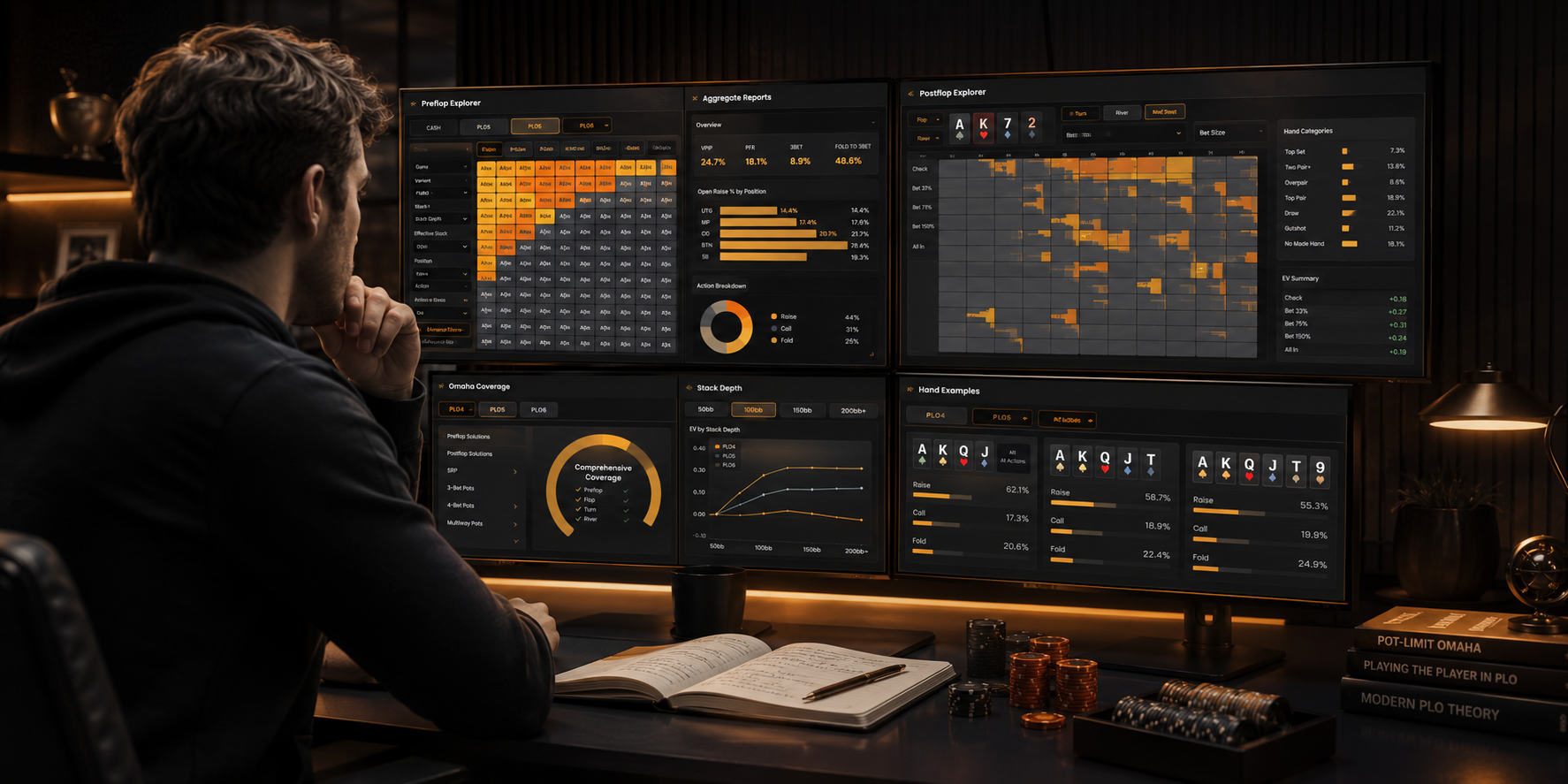
Best for dedicated Omaha players who want deep specialist coverage across PLO variants.
- Study PLO4, PLO5 and PLO6
- Access preflop and postflop libraries
- Review cash, tournament and live formats
- Use trainers and specialist PLO reports
FlopHero
PLO hand review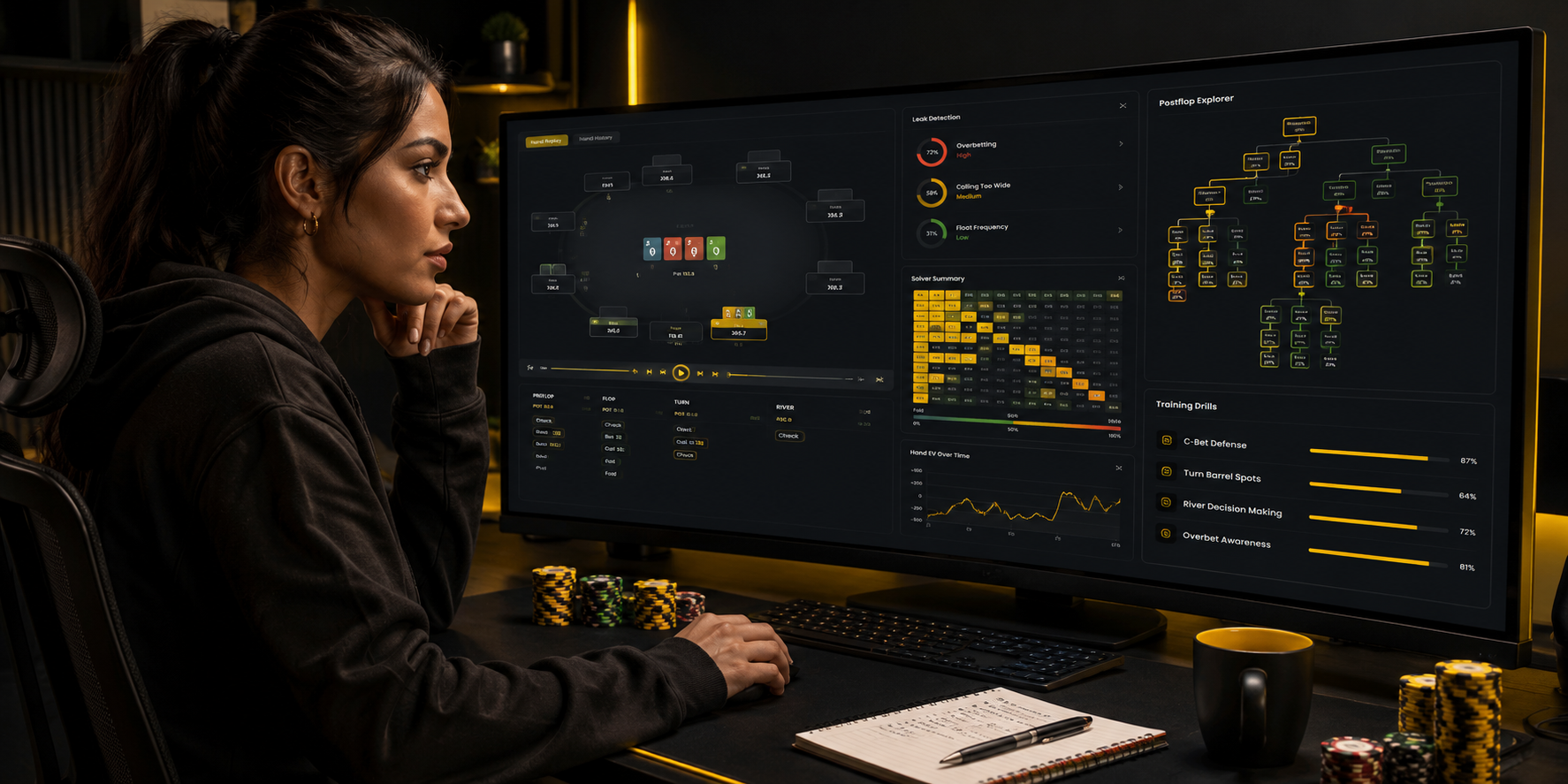
Best for PLO players who want to turn real hand histories into targeted leak-fixing study.
- Review uploaded PLO hands
- Identify recurring postflop mistakes
- Generate training from common leaks
- Study solved postflop situations
DeepSolver
Custom solves and exploits
Best for technically confident NLH players who want custom solving and exploit-focused research.
- Build custom ranges, stacks and bet trees
- Run cloud-based solutions
- Use node locking to model mistakes
- Research unusual strategic assumptions
PokerTracker 4
Tracking and HUD analysisBest for players who want to track results, analyse large samples and find leaks using reports and HUD data.
- Track hands, sessions and results
- Build and customise a poker HUD
- Analyse positional and statistical leaks
- Review long-term performance trends
PokerSnowie
Approachable AI coach
Best for NLH players who want clear AI coaching and hand analysis without a steep solver learning curve.
- Import hands and receive simple feedback
- Play training sessions against the AI
- Review common mistakes and practical advice
- Use a workflow suited to newer players
Some links are affiliate links. We may earn a commission if you purchase through them, at no extra cost to you.
Latest Articles

GTO Wizard PLO Solver Review 2026: Complete Guide & Hands-On Test
Explore how the new GTO Wizard PLO Solver can help serious Omaha players study more effectively. This review covers the preflop matrix, postflop analysis, custom solves, nodelocking, player profiles and the PLO Trainer, with a practical focus on turning solver output into usable strategy.

How to Study PLO With Solvers Without Memorising Everything
Learn how to turn complex PLO solver output into practical strategy. This guide covers simplified flop bet sizing, threshold hands for calling and folding, preflop heuristics, board-family c-betting, EV prioritisation and a repeatable study framework designed to make GTO concepts easier to remember and execute at the table.

Best PLO Solver for PLO5 and PLO6? Why PLO Genius Leads in 2026
Looking for the best PLO solver in 2026? See why PLO Genius stands out for PLO4, PLO5 and PLO6, preflop-to-river study, custom multiway solving, hand analysis and value. for players who want PLO4 + PLO5 + PLO6, extensive preflop libraries, postflop study, custom solving through the river, multiway analysis and a dedicated Omaha-first platform PLO Genius currently offers the most complete overall package.

GGPoker PLO Straddle Strategy: Beat 2BB, 4BB & All-In Maniacs
GGPoker straddles can turn a normal 100BB PLO game into a shallow, high-variance battle within seconds. Learn how to adjust against 2BB, 4BB and 8BB straddlers, when speculative hands lose value, which hands improve as stacks effectively shrink, and how to respond when a No-Look All-In maniac starts turning every hand into a preflop gamble.

GTO Wizard PLO vs PLO Genius: Best PLO Solver 2026?
Compare GTO Wizard PLO and PLO Genius to find the best PLO solver for your game. This guide breaks down PLO4, PLO5 and PLO6 support, preflop and postflop study, custom solving, trainers and key features so you can see where each platform excels and choose the right PLO study tool for 2026.
Choose Your Plan
Solver-based GTO charts for NLH, MTT, PLO & Spin & Go — upgrade or cancel anytime.
- Nash Push/Fold 20BB
- 8-Max Tournament RFI
- 6-Max Push/Fold 1–20BB
- PLO Ninja 6 Max — Free Version
- MTT Ninja — Free Version NEW!
- Short Stack Ninja Free NEW!
- 6-Max Cash 50NL, 100NL & 200NL
- 6-Max Fast Fold 50NL
- 200BB Deep Stack
- Spin & Go Preflop Guru
- PLO Ninja 6 Max 50BB & 100BB
- MTT Ninja NEW!
- Short Stack Ninja Pro NEW!
- All Free Charts included
- Everything in Monthly
- 6-Max Cash 50NL – 200NL
- 200BB Deep Stack & Fast Fold
- Spin & Go Preflop Guru
- PLO Ninja 6 Max 50BB & 100BB
- MTT Ninja NEW!
- Short Stack Ninja Pro NEW!
- New charts as released
- All Free Charts included
- Everything in Monthly
- 6-Max Cash 50NL – 200NL
- 200BB Deep Stack & Fast Fold
- Spin & Go Preflop Guru
- PLO Ninja 6 Max 50BB & 100BB
- MTT Ninja NEW!
- Short Stack Ninja Pro NEW!
- New charts as released
- All Free Charts included